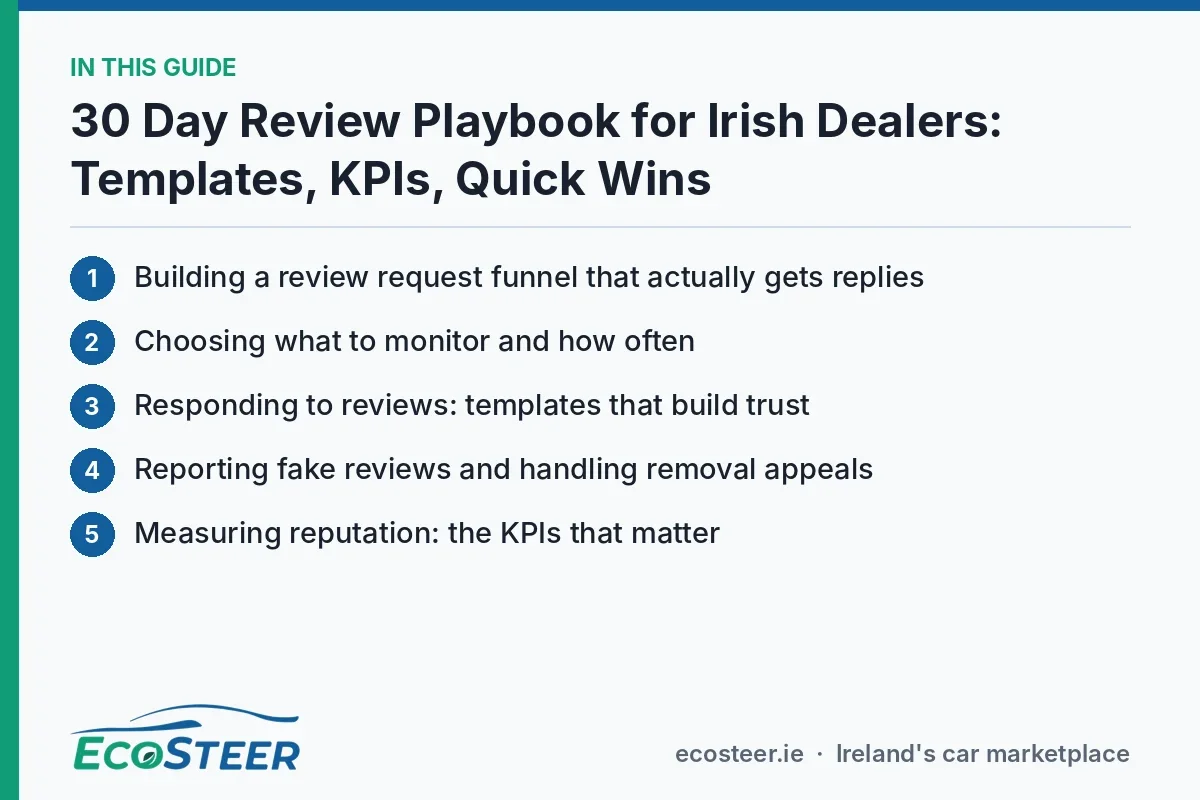
30 Day Review Playbook for Irish Dealers: Templates, KPIs, Quick Wins
A 30 day operational plan for dealers to grow review volume, reply within three days, report fake reviews, and use ready templates and KPIs for measurable...

The fastest, most reliable way to manage dealership reviews is to run a compliant review request funnel, monitor your priority platforms daily, and reply to every review within three days. Request feedback within 24 to 72 hours of the sale or service visit, track response time and rating trend as core KPIs, and aim for steady monthly growth in review volume rather than one-off spikes.
TL;DR:
- Send every customer a neutral email after 24 hours, a reminder on day 3, and a final feedback request on days 10 to 14.
- Check Google Business Profile daily, scan automotive review sites weekly, and flag safety, finance, or legal complaints to a manager within an hour.
- Reply by acknowledging the concern, thanking or apologizing, stating the next step, and taking sensitive details offline; log negative exchanges and remedies in the CRM.
- For suspected fake reviews, save screenshots, dates, and a timeline before reporting; appeal with evidence if the decision remains pending beyond three days.
- Tag leads who mention reviews in the CRM, then compare their conversion rates with other inquiries to connect reputation work to sales outcomes.
Table of Contents
- Building a review request funnel that actually gets replies
- Choosing what to monitor and how often
- Responding to reviews: templates that build trust
- Reporting fake reviews and handling removal appeals
- Measuring reputation: the KPIs that matter
- EcoSteer dealer playbook: a 30-day checklist and templates
- Why reputation is a strategic advantage for dealers now
- How EcoSteer supports your review and reputation efforts
- FAQ
- Sources
Building a review request funnel that actually gets replies
A review request funnel works because it matches the ask to the customer’s state of mind. Send it too early and the customer has not experienced the car yet; send it too late and the moment has passed. The timing that tends to perform best follows a simple three-step rhythm.
- First request at 24 hours: send a short email or SMS the day after delivery or service completion, while the experience is still fresh.
- Reminder at day 3: a brief, friendly nudge for anyone who has not responded, sent through a second channel if possible.
- Final prompt at day 10 to 14: a last, low-pressure message framed as a genuine request for feedback rather than a sales follow-up.
Phrasing matters as much as timing. Keep the ask neutral: “We’d love to hear how your visit went, good or bad, it helps us improve” works far better than anything that filters customers by star rating first. Google’s own policies prohibit review-gating, meaning you cannot ask customers to rate you privately before deciding whether they post publicly. Treat every customer the same way regardless of how the sale went.
Email remains the strongest channel for generating reviews: industry guidance notes that post-transaction emails generate a large share of all solicited reviews, so it deserves first priority in your funnel, with SMS and in-person requests from service advisers as useful backups for customers who do not respond to email.
Operationally, this needs an owner. Assign the request trigger to your CRM or BDC team, not to whichever salesperson closed the deal. A finalised paperwork event should fire an automatic email within a couple of hours wherever your system allows it; where automation is not available, same-day manual follow-up is the next best option. Our 5-minute follow-up approach for new leads applies the same logic to review requests: speed and consistency beat memory and good intentions every time.
Pro Tip: Build your review request into the delivery checklist itself, so it is physically impossible to hand over the keys without triggering the follow-up sequence.

Choosing what to monitor and how often
Not every platform deserves equal attention. Prioritise Google Business Profile first, since it carries the most weight in local search and is usually the first thing a prospective buyer checks, followed by the major social channels where your dealership has a presence, and then any prominent third-party automotive review sites relevant to your market.
Monitoring tools fall into a few broad categories, each with trade-offs:
- Native platform dashboards (Google Business Profile, Facebook) are free and direct but require someone to check them manually across every location.
- Reputation platforms that aggregate listings pull reviews from multiple sources into one feed, saving time for multi-site dealer groups but adding a subscription cost.
- CRM integrations tie reviews to specific deals or service visits, which helps when investigating a complaint or verifying authenticity.
- Call-tracking tools capture phone-based feedback that never makes it into a written review; a recent guide to call-tracking for dealerships covers how these integrate with CRM data for a fuller picture.
For most single-site dealers, a daily five-minute check of Google Business Profile and social notifications, paired with a weekly deeper scan of third-party sites, is enough to catch issues early. Set an escalation rule: any review mentioning safety, finance disputes, or legal threats gets flagged to a manager within the hour rather than waiting for the normal response cycle. That single rule prevents the handful of serious complaints that matter most from sitting unanswered in a queue of routine feedback.
Responding to reviews: templates that build trust
Every reply should follow the same basic structure regardless of star rating: acknowledge what the customer said, thank or apologise as appropriate, state what you are doing about it, and invite further contact offline. This structure keeps replies consistent even when different staff members are writing them, and it signals to future readers that the dealership takes feedback seriously.
For a positive review, keep it short: “Thank you for the kind words, [name]. We’re glad the team could make the process smooth, and we look forward to seeing you for your first service.” For a neutral or mixed review, acknowledge the specific point raised and offer a path forward: “Thanks for the honest feedback. We’re sorry the wait on the day was longer than expected, we’re reviewing our scheduling to fix that. Please reach out to [contact] if there’s anything we can do now.” For a negative review, resist the urge to argue publicly: “We’re sorry to hear about your experience, this isn’t the standard we aim for. We’d like to understand what happened and put it right, please contact [name/email] directly so we can look into it.”
About a quarter of reviewers expect a business response within three days, and prompt replies increase the chance of resolving a complaint before it escalates further. Treat that three-day window as a hard deadline, not a target to aim for when time allows.
- Acknowledge the review publicly within three days, regardless of complexity.
- Move detailed or sensitive discussions to a private channel immediately.
- Log the date, the correspondence, and any remedy offered in your CRM for every negative review.
Escalation should follow clear thresholds: a front-line adviser can handle routine responses, but anything involving a refund, a legal threat, or a repeated complaint from the same customer should go to a manager before a reply is posted. Keep a simple record of every negative exchange: dates, who responded, what was promised, and whether it was resolved. This record protects the dealership if a dispute later needs to go through a formal reporting or appeals process, and it gives BDC and service staff a reference library of real examples during training, far more useful than a generic script they have never seen applied.
Pro Tip: Never copy and paste the exact same reply to multiple reviews. Readers notice, and it undermines the authenticity that makes a response effective in the first place.
Reporting fake reviews and handling removal appeals
Fake or policy-violating reviews need a specific process, separate from your normal response workflow. Start by reporting the review directly through Google Business Profile’s built-in tools, which flag it for review against the platform’s policies.
- Gather evidence first: screenshots, dates, any transaction identifiers, and a short written timeline of events.
- Submit the report with that evidence attached rather than a bare flag with no context.
- If the review sits in decision pending past three days, you can submit an appeal with additional supporting evidence to improve the outcome.
- Bundle related suspected-fake reviews into a single appeal where the platform allows it, since patterns are more persuasive than isolated cases.
- Check Google’s own list of reasons reviews go missing before assuming malicious intent. Technical glitches and policy triggers account for a meaningful share of disappearing reviews.
A notable share of reviewers expect a response within a few days, according to InMoment’s research, which is why the three-day mark is also the natural point to check on a pending report and decide whether to escalate.
Some disputes go beyond platform policy into consumer rights territory. Under Irish consumer protection rules, dealers are expected to remedy genuine faults, and the Competition and Consumer Protection Commission has acted on misleading practices and persistent failures to address customer complaints. If a review stems from an unresolved consumer rights issue rather than a fabricated complaint, document every communication and be prepared to show that remedy was offered in good faith.
Measuring reputation: the KPIs that matter
Reputation work only earns its place in the marketing budget when it is measured. Track these core metrics monthly:
- Average rating across your priority platforms, watched for trend rather than a single snapshot.
- Review velocity, the number of new reviews per month, which should grow steadily rather than spike and stall.
- Response time, measured from review posted to reply published.
- Resolved escalation rate, the share of negative reviews that reach a documented resolution.
- Sentiment trend, a simple positive-versus-negative split over time.
- Review-influenced leads, tracked through your CRM when a lead mentions having read reviews before enquiring.
| KPI | What it tells you | Review cadence |
|---|---|---|
| Average rating | Overall trust signal | Monthly |
| Review velocity | Programme consistency | Monthly |
| Response time | Team responsiveness | Weekly |
| Resolved escalation rate | Complaint handling quality | Monthly |
| Sentiment trend | Direction of travel | Quarterly |
A simple one-page dashboard covering these five rows, reported to management monthly, is enough for most single-site operations. Pair it with your sales funnel data: if you can tag leads that mention reviews during the enquiry stage, you start to see conversion differences between review-influenced leads and the rest, which turns reputation work from a marketing nice-to-have into a figure finance teams respect.
EcoSteer dealer playbook: a 30-day checklist and templates
Turning the above into practice does not need new software, just a clear schedule. Our 30-day dealer plan for lead follow-up maps cleanly onto a review programme if you break it into weekly blocks.
- Week 1: set up monitoring on Google Business Profile and your main social channels, write your three response templates (positive, neutral, negative), and assign an owner for daily checks.
- Week 2: deploy the request funnel, first message at 24 hours, reminder at day 3, final nudge at day 10 to 14, across email and SMS.
- Weeks 3 to 4: review velocity and response time weekly, adjust message timing or phrasing based on what is and is not generating replies, and document any negative review that required escalation.
The templates themselves stay simple and vendor-neutral: a request message that thanks the customer and asks for honest feedback, a BDC follow-up script that checks in before sending the request, and a response script that follows the acknowledge-thank-act-invite structure from earlier. Our guidance on rapid lead response applies just as well here: the BDC member who already owns speed-to-lead can own speed-to-review-request without much extra training.
One practical note on integration: a dealership’s marketplace listings and review profile should reinforce each other. If your dealer profile is easy to find and up to date, happy customers are more likely to leave a review that others will actually see when researching your stock.
Pro Tip: Run your 30-day checklist on a shared calendar visible to the whole sales and service team, not just the marketing manager, so nobody is surprised by a review request going out.

Why reputation is a strategic advantage for dealers now
Car buying has become an omnichannel process, and buyers who engage with AI-powered or largely digital research tools report higher satisfaction, according to Cox Automotive’s Car Buyer Journey study. Reviews sit within that same research phase, often read alongside listings and finance calculators, not separately from them.
That means reputation management belongs on the same operational footing as lead response times or stock turnover, not as a marketing task squeezed in when there is spare capacity. Dealerships that still treat it as optional are leaving a visible, measurable signal unmanaged in front of every prospective buyer.
How EcoSteer supports your review and reputation efforts
Running the playbook above is easier when your lead handling and your public dealer profile work from the same operational rhythm. Fast lead response, an up-to-date dealer directory listing, and straightforward profile management can sit alongside the review work you are already doing, helping a happy buyer find a consistent, well-presented dealership wherever they look.
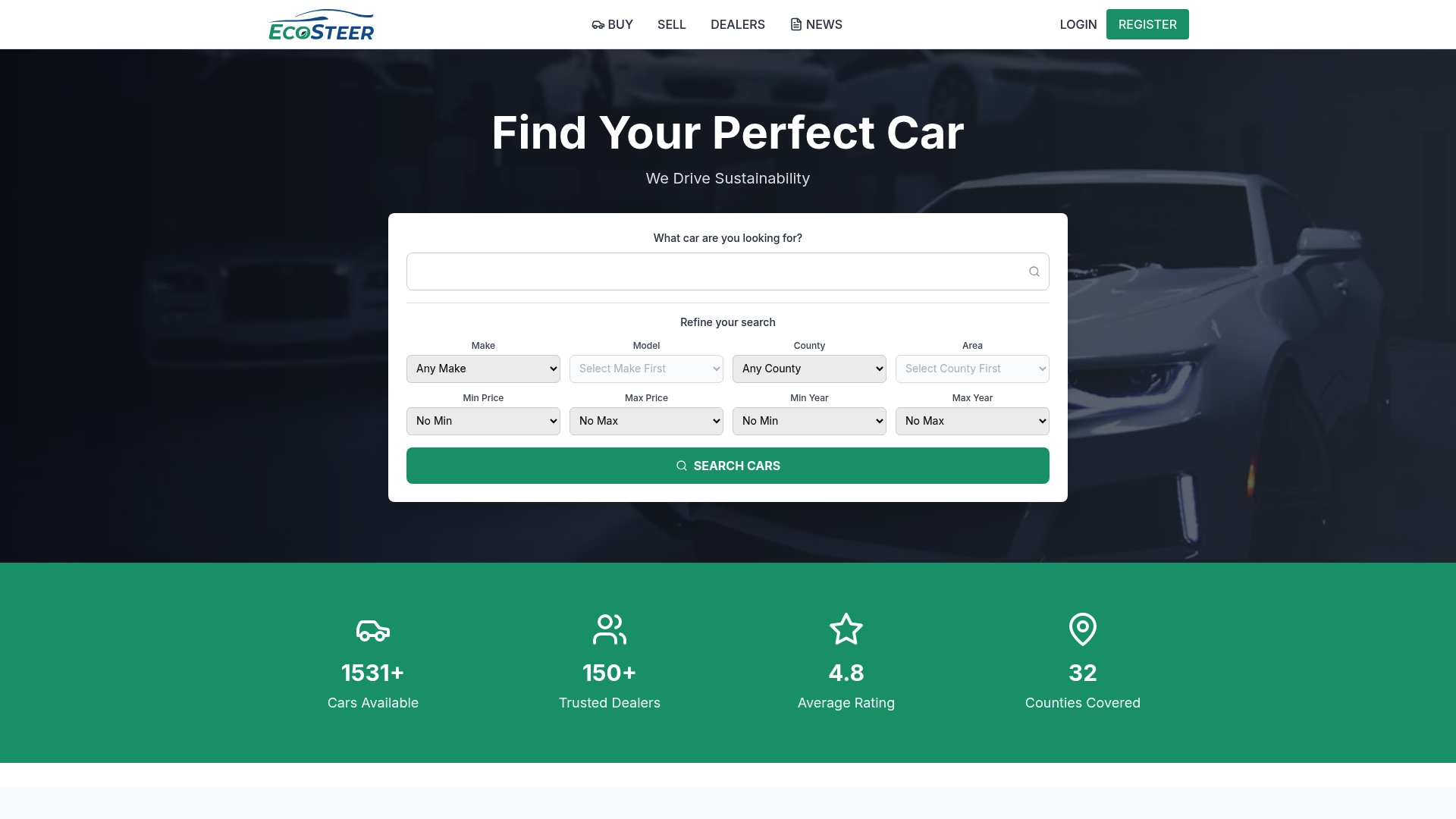
- Lead handling tools that support the same 24 to 72 hour follow-up window your review funnel relies on.
- A dealer directory profile that is simple to keep current as your stock and locations change.
- Location pages, such as our Louth listings, that show how an accurate, well-maintained profile surfaces alongside your stock to buyers researching nearby dealers.
Visit EcoSteer to see how listing and lead tools fit alongside the reputation programme you are building.
This article is general information, not a substitute for advice from a qualified lawyer. Consult a qualified legal professional about your own circumstances before acting on anything here.
FAQ
What is a red flag in a car dealership review?
Recurring complaints about the same issue, vague reviews with no transaction detail, or a sudden cluster of near-identical five-star reviews posted in a short window are common red flags. Genuine reviews tend to mention specific details like a model, a staff member, or a service date.
What are management reviews in a dealership context?
Management reviews refer to the internal process of tracking reputation data, response times, and escalation outcomes, then reporting them to leadership on a set cadence. They turn individual customer reviews into a measurable operational function rather than a one-off reaction.
How do you manage a dealership’s online reputation?
Run a compliant request funnel timed to the customer’s experience, monitor your priority platforms daily or weekly depending on size, and reply to every review within three days using a consistent acknowledge-and-act structure. Track rating, velocity, and response time monthly to confirm the programme is working.
How do you write a good review for a salesperson?
A useful review names the salesperson, mentions a specific part of the experience such as responsiveness or clarity on pricing, and states whether the outcome met expectations. Specific, honest detail helps other buyers far more than a generic rating alone.
Sources
- Review Management: What Is It & How to Start | InMoment
- Faulty car: I can’t get through to the dealership. What are my rights? | CCPC
- 2025 Car Buyer Journey study — Cox Automotive (press release)
Recommended
Ecosteer Editorial
Author